Themes
One spec, four looks
A theme is data, not code — a token set in YAML covering palette, typography and geometry. Archetypes read tokens only; a literal colour anywhere in an archetype is a bug.
Because the tokens are semantic (ink, surface, muted) rather than literal (black, white), dark mode falls out for free.
prism themes           # list what ships
prism render d.yaml    # honours the spec's `theme:` field
Any spec can also override individual tokens inline by dotted path:
type: flow
theme: dark
tokens:
  palette.ink: "#f8fafc"
  geometry.radius: 2
steps:
  - {label: Draft}
  - {label: Ship}
Or point theme: at your own YAML file, which is how you brand a whole document set.
The bundled themes
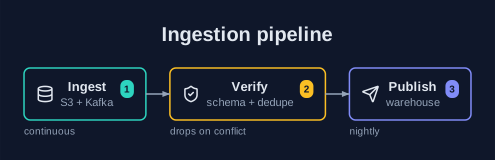
dark
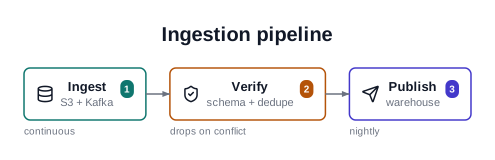
default
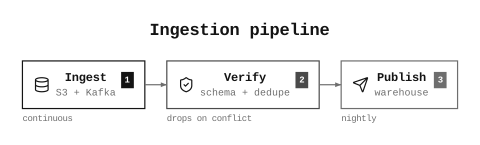
mono
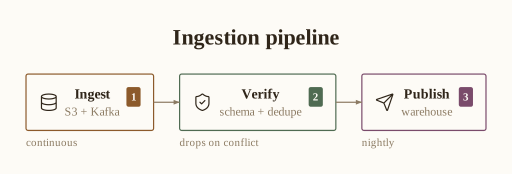
paper
The same catalog, themed
Every archetype renders in every theme. A few, side by side:
hierarchy
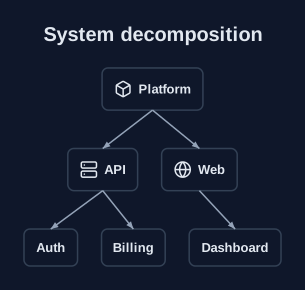
dark
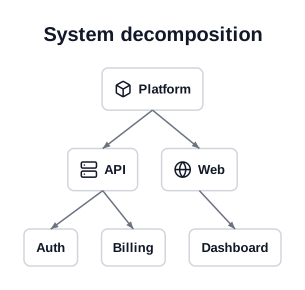
default
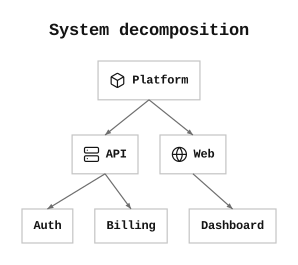
mono
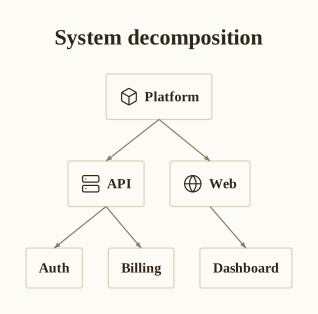
paper
pyramid
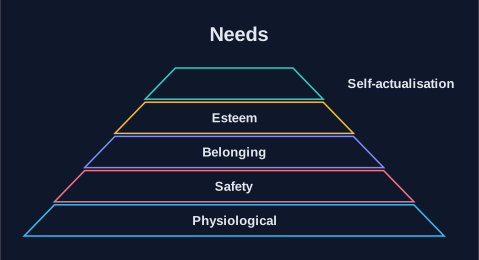
dark
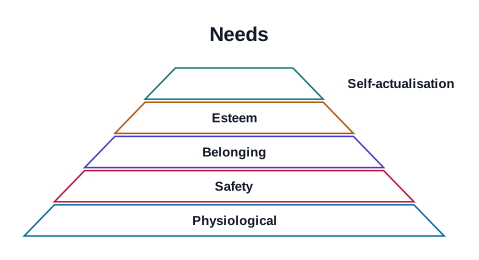
default
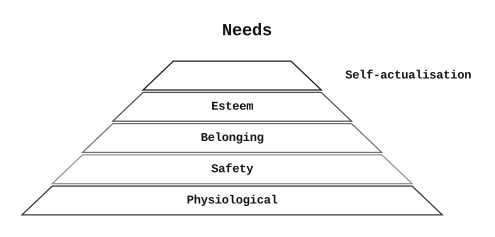
mono
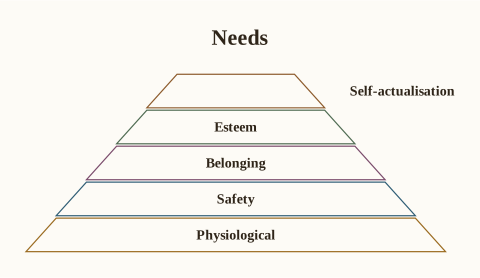
paper
quadrant
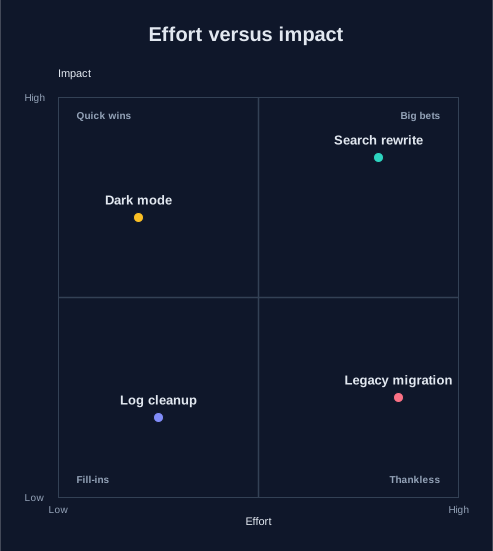
dark
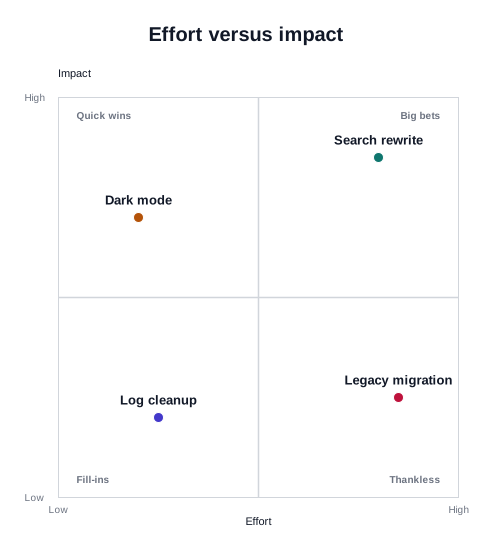
default
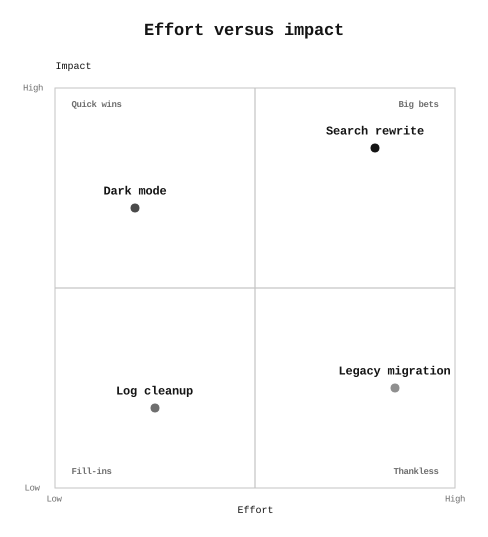
mono
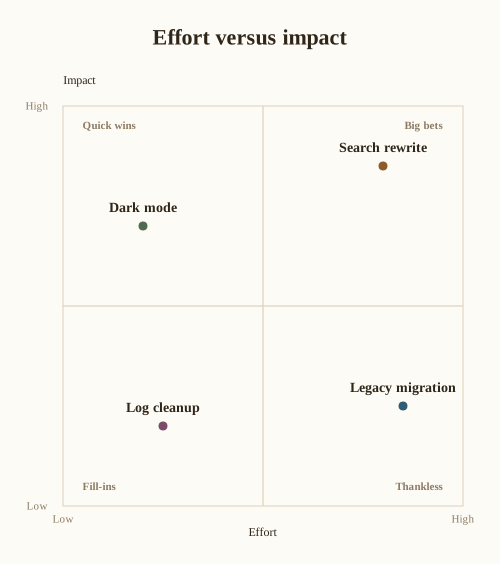
paper
Writing your own
Scaffold a theme file from whichever bundled theme is closest:
prism new-theme house                 # from `default`
prism new-theme house --from paper    # from the print theme
prism new-theme house -o themes/house.yaml
Then point a spec at it with theme: ./house.yaml. The generated file carries a header explaining the two constraints, which are enforced at load time:
typography.familymust begrotesque,seriformono— the three stacks whose font metrics prism vendors.typography.weight.*must be400or700, for the same reason. A weight prism has not measured would be synthesised by the viewer at a width prism never accounted for, and labels would overflow their boxes.